My iPhone battery is draining so quickly, what to do
When you buy an iPhone, any decrease of one percent in the battery life starts to feel personal. When you see it dip from 100 percent to 99 percent, questions start running through your mind… Am I overcharging the iPhone when I leave it to charge overnight? Why is my iPhone battery draining so quickly? Is it worth only charging it to 80 percent and stopping then and there? Is fast charging ruining your iPhone battery after all?
Honestly, there is very little required to look after your iPhone’s battery. The key isn’t worrying about every charging habit (some even get up and down when they don’t plug in again, which, to be fair, has very little real impact on your device, other than being quite inconvenient!). Instead, it’s quite trying to stay away from some harmful actions that cause your iPhone battery to drain so quickly.
Is Charging to 100% Actually Bad for Your iPhone?
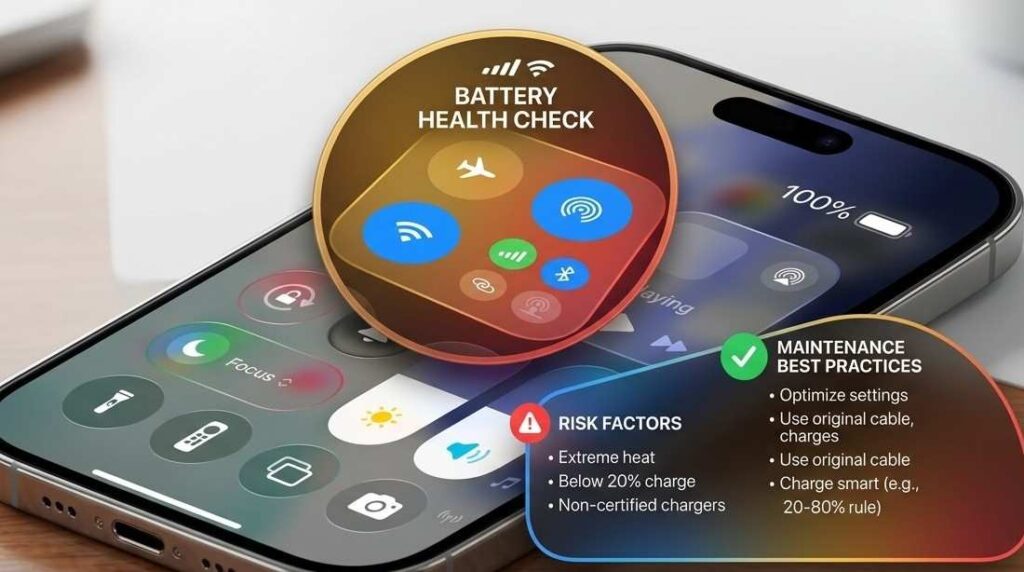
The issue isn’t simply charging to 100%; what that 100% means isn’t fixed for the lifetime of your battery. Aging in lithium-ion batteries occurs as they progress through charge cycles, high temperatures, and simply time. The fix: cut down on that extra time it just spends waiting at 100%.
First, let’s explode a common myth. Many have become fixated on never letting the charge on their phone climb over 80%; this isn’t entirely wrong, and it isn’t entirely right. Here’s the reality: topping up to 100% every once in a while won’t kill your phone. The actual culprit is spending a lot of time plugged in when you’re already at 100%, especially when it’s warm. This is when the chemical aging starts to really accelerate.
The Counter-Intuitive Truth: Everyone thinks a “100%” charge is the enemy. It’s not. Heat and high charge levels working together will wear out the battery fastest. A phone in a cool environment at 100% is going to experience a lot less degradation than a warm phone going from 80% to 100%.
Best charging habit for iPhone
- For day-to-day usage, 20%-80%-90% will optimize your battery life.
- For travel days where you can’t be near a power outlet for extended periods, don’t be afraid to charge up to 100%.
- Don’t sweat it when your battery hits 100% regularly.
Do I need to charge my iPhone to 80% or 90%?
So the best real-world answer: 80-90% will prolong the life of the battery as long as possible, but in the real world, the battery health should serve the lifestyle, not the other way around. And speaking of which, that’s the greatest drain of all.
Heat Is Quietly Killing Your Battery Faster Than Charging Habits
Battery performance declines since excessive temperatures expedite its chemical aging. To avoid this, keep the iPhone cool when you can. This is the aspect that a lot of people overlook.
You may be worried about percentages: 20%, 80%, and 100%. Heat is damaging the battery way more than you think. The trends of iPhone batteries’ degradation suggest that heat damages the batteries significantly more than most charging practices added together.
Most of the reasons for the iPhone to get hot
- Gaming with cable charging
- Fast charging in a hot room
- GPS usage on a long drive
- Wireless charging for a few hours
- Hot Car, iPhone, and charging
The Unexpected Thing
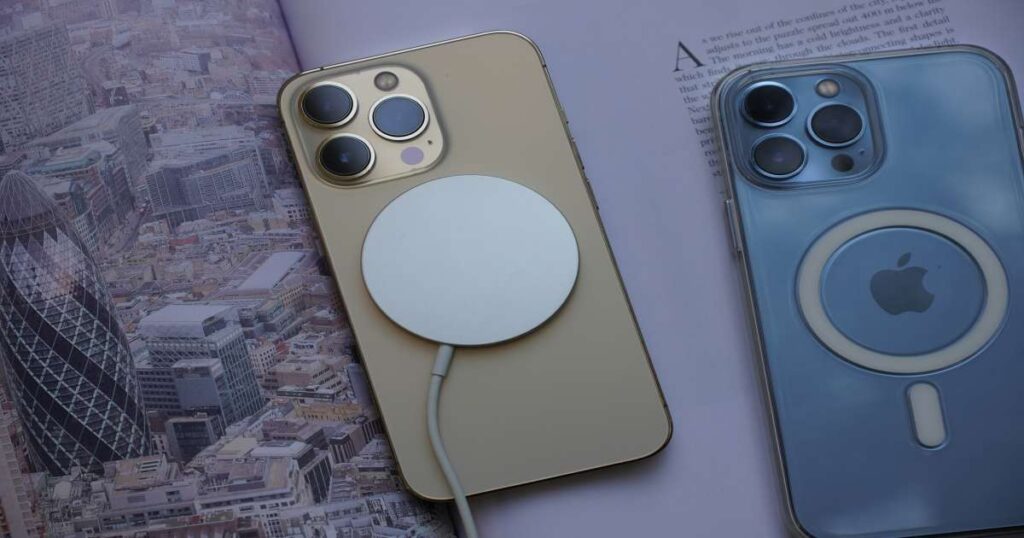
It’s actually your phone case! Thick cases. Particularly while your phone is charging, it can contribute to a significantly warmer device than you anticipate, which leads to slow charging.
Your Action Steps
If the phone becomes too hot to touch while charging, remove the phone from the case.
- Don’t game and charge simultaneously
- Don’t charge under direct sunlight
- Unplug the phone if it is noticeably hot to the touch
A contrarian view is that fast charging in itself is not the real culprit; the excessive heat produced by fast charging is. If your charging routine seems OK, then the real battery killer often resides somewhere else in your phone settings.
These hidden settings iPhone battery to drain more quickly than you think.
Charging takes its toll on battery health. The more you’re doing in the background, the more the charging cycles are racking up. This is how to solve that. Don’t drain your battery in the first place. Most people pay all their attention to charging. Well, the battery aging cycle is actually 50/50 between a battery charge and drain. In other words, it wears down equally whether it’s getting full or is empty. If it drains faster every day, you need to recharge more. More recharging = shorter battery life
Hidden Battery Drainers
- Too many notifications are turning the screen on
- Background app refresh
- Constant location tracking
- Emailing frequently
- Locations with no signal
The fact is that the problem isn’t any of the above individually. It’s the combination of the dozen of them all taking a little bit here and there.
Unbeknownst Benefit
Poor cell signal wears down your battery. If your iPhone is having difficulty maintaining a signal, it is working at a higher intensity and therefore draining your battery. The time spent in low-signal locations adds to battery wear over a period.
Reduce Battery Drain
- Stop notifications you don’t really need.
- Restrict “Always Allow” on location access.
- Stop Background App Refresh on
- Apps that do not need it, at least on an always-ready basis.
- Enable Low Power Mode.
When you minimize unwanted drain, you will naturally not need to charge as often. But now let’s dive into a new thing Apple built with battery health in mind.
Is Optimized Battery Charging Actually Useful?
Yes, Optimized Battery Charging really will lengthen your battery’s life. My only advice is just to leave it turned on unless you have a weird and wonderfully specific charging schedule. Optimized Battery Charging Is Your iPhone’s Best Friend. This is the Apple feature you will want to use. The iPhone will note patterns of your usage and charging routine and only start charging beyond 80% just before you’re due to take it off the charger. That minimizes the time your phone spends sitting at 100% charge.
Why This Matters
Think of the two following persons:
- Person A charges to 100% at midnight, then unplugs at 7 am.
- Person B charges up to 80%, waits a little, then reaches 100% at 6:45.
Battery stress is less on Person B’s device. It’s pretty much the goal of Optimized Battery Charging.
Turn It On
Go to:
Settings > Battery > Battery Health & Charging
Make sure: Optimized Battery Charging = ON
Failure case
This feature works well for a schedule that doesn’t vary much. If you shift around in your sleep patterns, this feature really falls flat. Even with this enabled, one charging habit still confuses you. However, the charging one.
Should You Use Fast Charging or Slow Charging?
Fast charging is safe for your iPhone, but you don’t want to rapid-charge when it’s hot in September. Fast charge when you need to, and slow charge whenever you feel like it. I think there will be endless debate about this topic forever, but I feel I should break it down. The short and sweet of it is that your fast charging is not killing your iPhone’s battery over a week. iPhones are smart, and fast charging is engineered to work. But what hot-charging your phone to max on multiple occasions will do over the lifetime of your device is add wear.
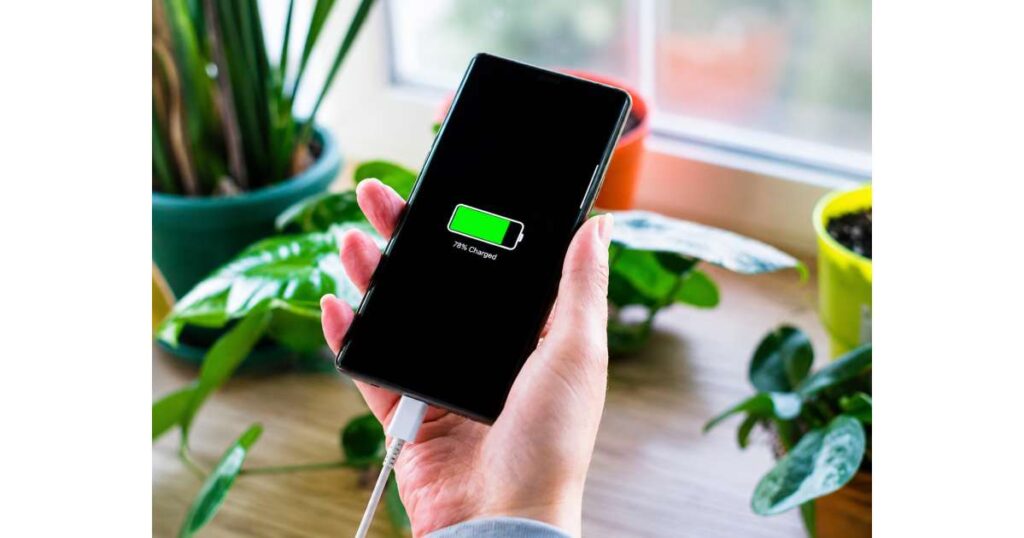
Best approach for practical considerations
- Choose quick charging only when time is of the essence.
- Try leisurely charging when charging it while asleep at night or while working.
- And refrain from taxing your mobile phone when you have quickly charged it.
However, the trade-off is that they also produce more heat than wired ones. Which may come as a shock to you. And although wireless is cool, if you want to extend the life of your battery for as long as possible, plugging into the wall may actually be your best option. Which, in turn, brings us to one question every iPhone owner asks themselves.
What % of battery health is too low on a phone?
65% is the low end, and most iPhones with such low battery health have their performance greatly restricted due to the aging battery. If your iPhone is acting really slow, then get the battery changed. This is going to get real fast. If your battery is down to 65% from 100% capacity, you’ve already degraded it by 35%!
This leads to your phone not lasting nearly as long; you will find yourself charging it far more often. It might also become very slow when it’s under pressure and even shut down unexpectedly under a high workload.
And here’s the key stuff
I find nobody captures battery life health %. Most people have battery life health percentages (94%, 99%, whatever), but performance degradation for the average day (59% usable vs. 70% usable) matters day to day. I’ve seen phones at 64% health; 64% feels really solid. I’ve seen phones at 74% feel like absolute crap because the usage patterns have been intense (lots of heavy usage daily).
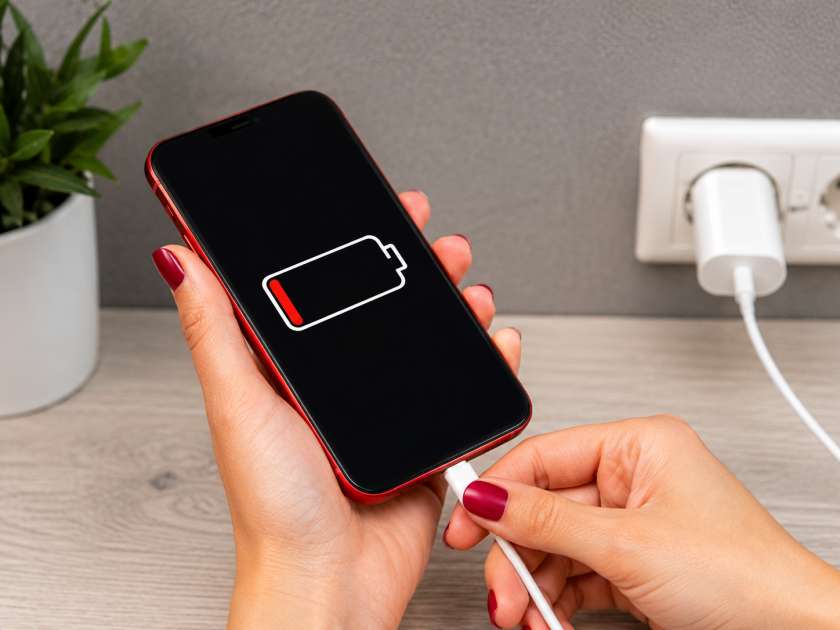
Replace the battery if you see
- A battery is unusually draining
- Quick random reboots,
- lags while running heavy tasks
- Low screen on time
Apple generally regards a battery with 80% of its capacity as being ready for replacement. If you are higher than that, there really isn’t anything to worry about. Now, let’s get down to the mindset of needless battery anxiety.
Biggest Mistake: Worrying About Battery Health Too Much
“Batteries degrade naturally because they’re consumable parts,” battery engineers often say. “Just use your phone smartly and then try not to hover over the charge percentage. It’s the easiest thing to worry about, and I bet the highest stakes.” That last part comes from Mark, a guy whose own iPhone battery is showing 95% maximum capacity. He uses his phone until 5 or 10 percent, then charges it to 100 percent before the last bedtime; no biggie. “Because I know when to replace it,” he says. The Biggest Mistake You’re Making is Worrying Too Much About Your iPhone’s Battery. This One Will Kill It Fast.
The Reality
Perfect battery habits can’t prevent aging. They just decelerate the process. And looking at real user data over time, after a year, the vast majority of the differences in battery life between the “perfect users” and regular users turn out not to be significant.
The Smart Balance
- Don’t overcharge.
- Unnecessary battery power can be saved.
- Use Optimized Battery Charging.
- Charge within a safe range if it’s practical.
Then use your phone normally. Your iPhone is a tool, not a museum piece.
Conclusion
You really don’t have to be perfect to maintain your battery. Don’t keep it too warm, form some bad charging habits, and don’t let every 1% loss give you cause for concern. Keeping up some habits will serve you well as you continue to grow in your iOS endeavors.